How to add your Exchange account to Outlook for iOS
This guide explains how to cleanly integrate your Websites Victoria Exchange account with the official Microsoft Outlook client app on an Apple iPhone or iPad.
System Prerequisites
- ✓ You must have an active Websites Victoria Hosted Exchange email profile.
- ✓ An iOS mobile device with the official Microsoft Outlook app installed.
Step-by-Step Configuration
1. Install and Open the App
Install and open the official Microsoft Outlook app on your iPhone or iPad.

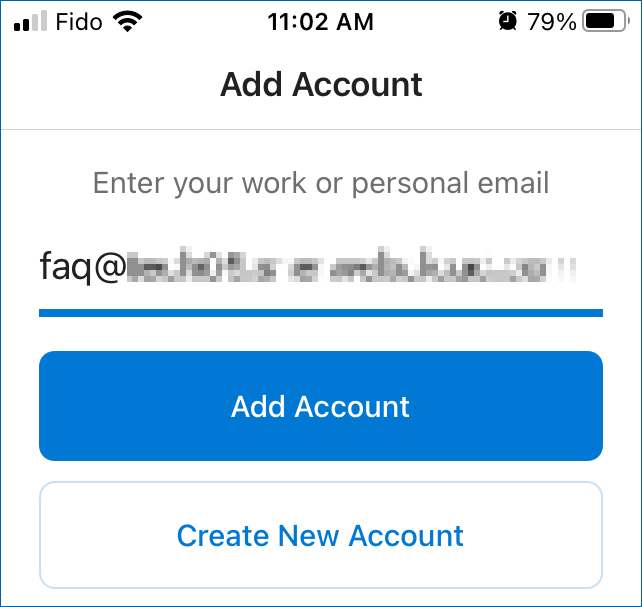
2. Navigate to Add Account
If you are not using Outlook for other email accounts, you will be brought directly to the Add Account screen. Otherwise, initialize the new connection sequence path:
3. Advanced Server Configurations String
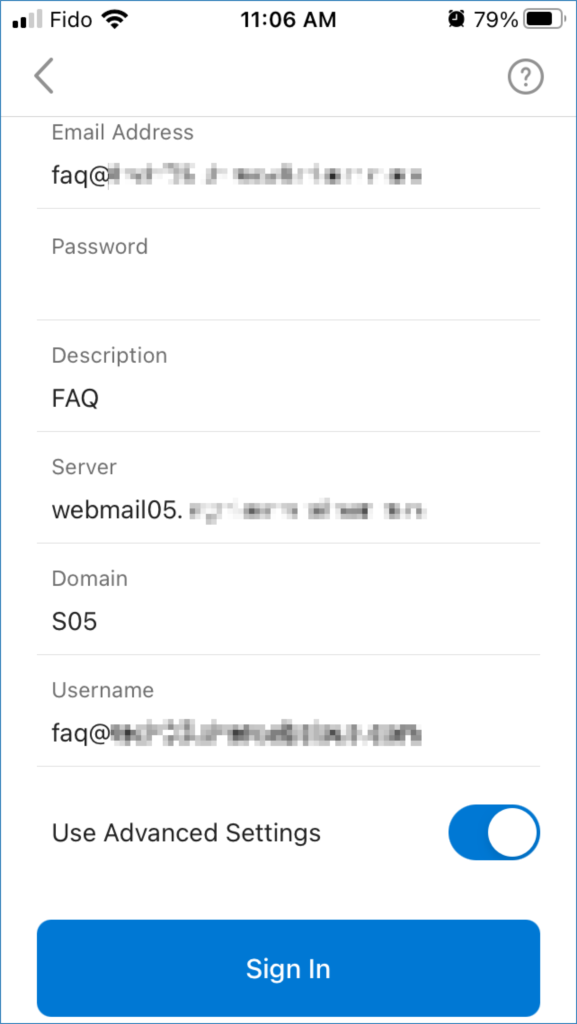
Enter your account email address. On the next prompt, enter your mailbox password into the Password field and add an optional descriptive label (e.g., "Work Exchange"). Explicitly toggle on the element switch choice labeled Use Advanced Settings.
Map your configuration properties parameters based on the reference tracking array rules chart below:
In the Domain field, enter your corresponding cluster handle (e.g., if your webmail endpoint sits on webmail14, enter S14). Input your complete email string into the Username field, then tap Sign In.
4. Bypass Supplementary Provisioning Prompt
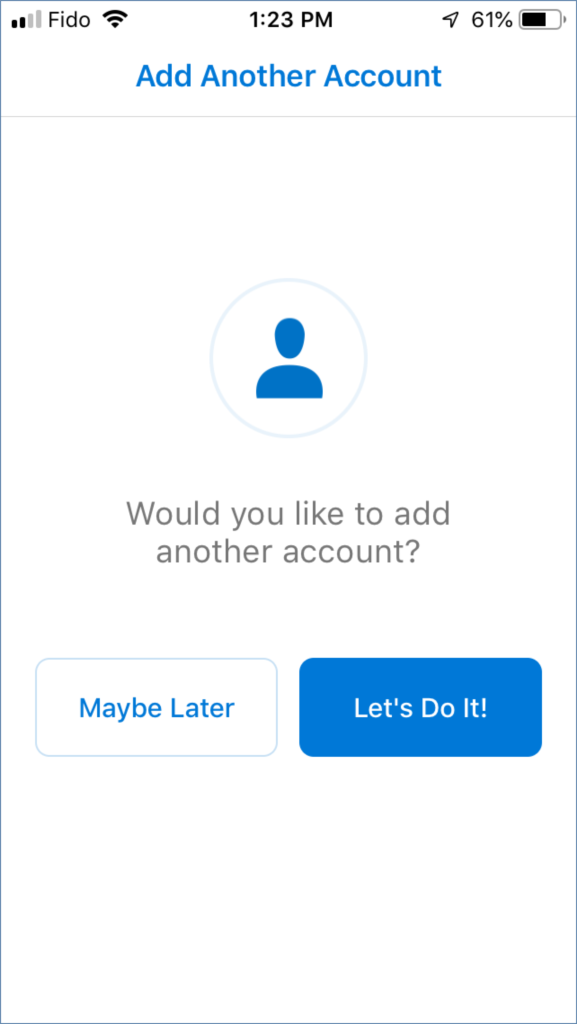
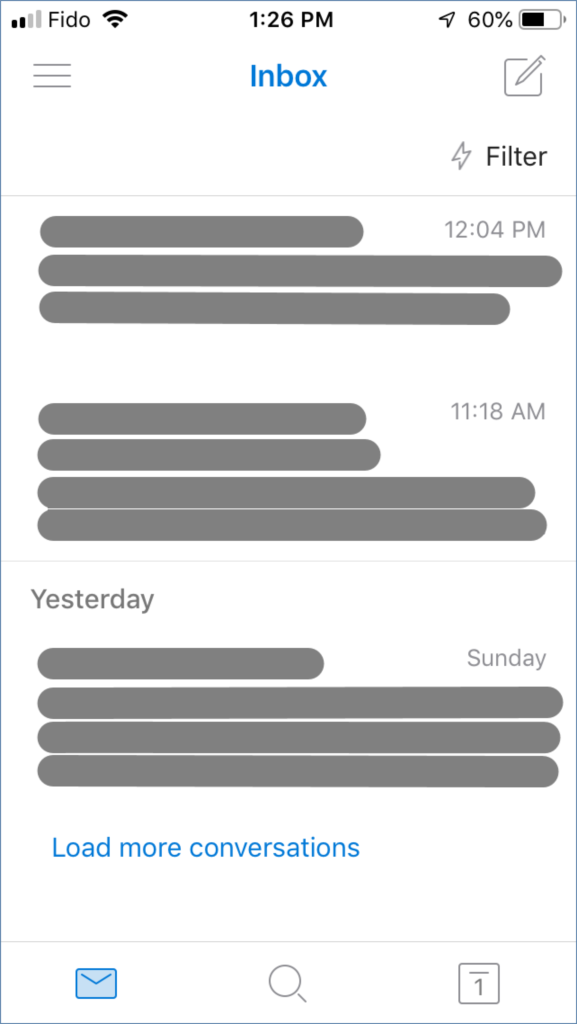
Once the verification pipeline clears the backend handshake sequence, the account mounts successfully. If prompted to index more business mail records right away, tap Maybe Later to load your primary inbox workspace layout.
5. Custom Workspace Configurations (Optional)
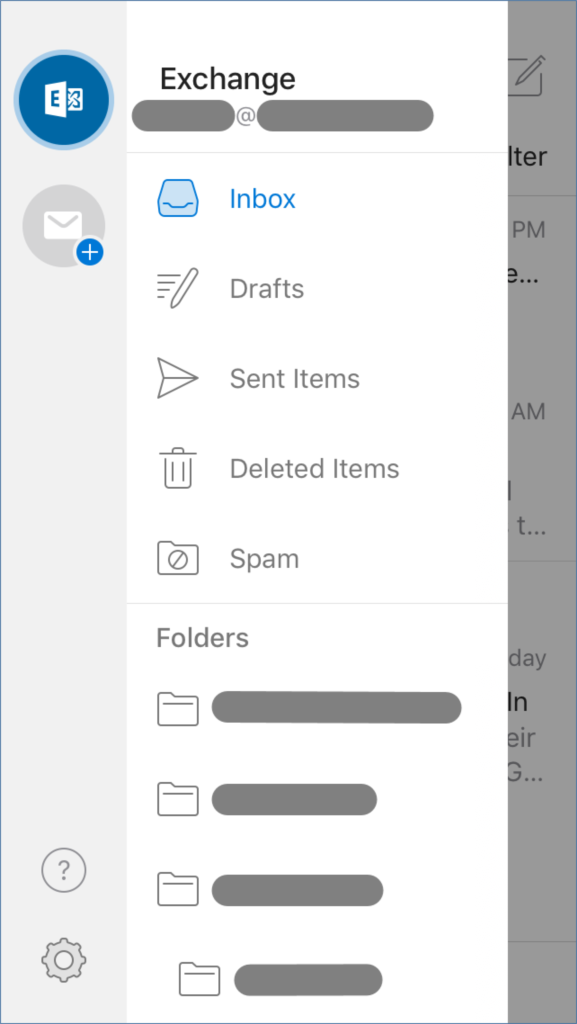
To tweak active application layout preferences, tap your profile avatar tracking link node to access the Menu, followed by the Gear (Settings) icon link asset token.
Authentication Exception Diagnostics:
- Verify that your email username string and server hostname records are free of typing mistakes.
- Ensure connectivity status is stable. If local router firewalls intercept verification tokens, temporarily shift over to native mobile cellular data transport paths to bypass proxy layers.
- If validation loops continue to fail, drop a line to our support desk at support@websitesvictoria.com.au.